Learn Coding Through Fun & Play

TIF Studio helps children from Grade 3 onwards learn coding using colorful drag-and-drop blocks. Kids create animations and games while understanding the logic behind real programming.

🧩 Drag & Drop Blocks
🎮 Games & Animations
🧠 Logic & Thinking Skills
🔌 Works with Real Hardware Boards

TIF Studio Coding Platform

Why Choose TIF Studio?

Designed to make coding easy, engaging, and meaningful for young learners

🎨 Drag & Drop Blocks

No typing. Just logic.

🧠 Logic Building

Think step by step.

🚀 Future Ready

Strong foundation for real coding.

Inside TIF Studio

A simple, visual coding environment where children learn real programming concepts by building animations, games, and logic-driven projects.

Core Editor

Drag & Drop Block Programming

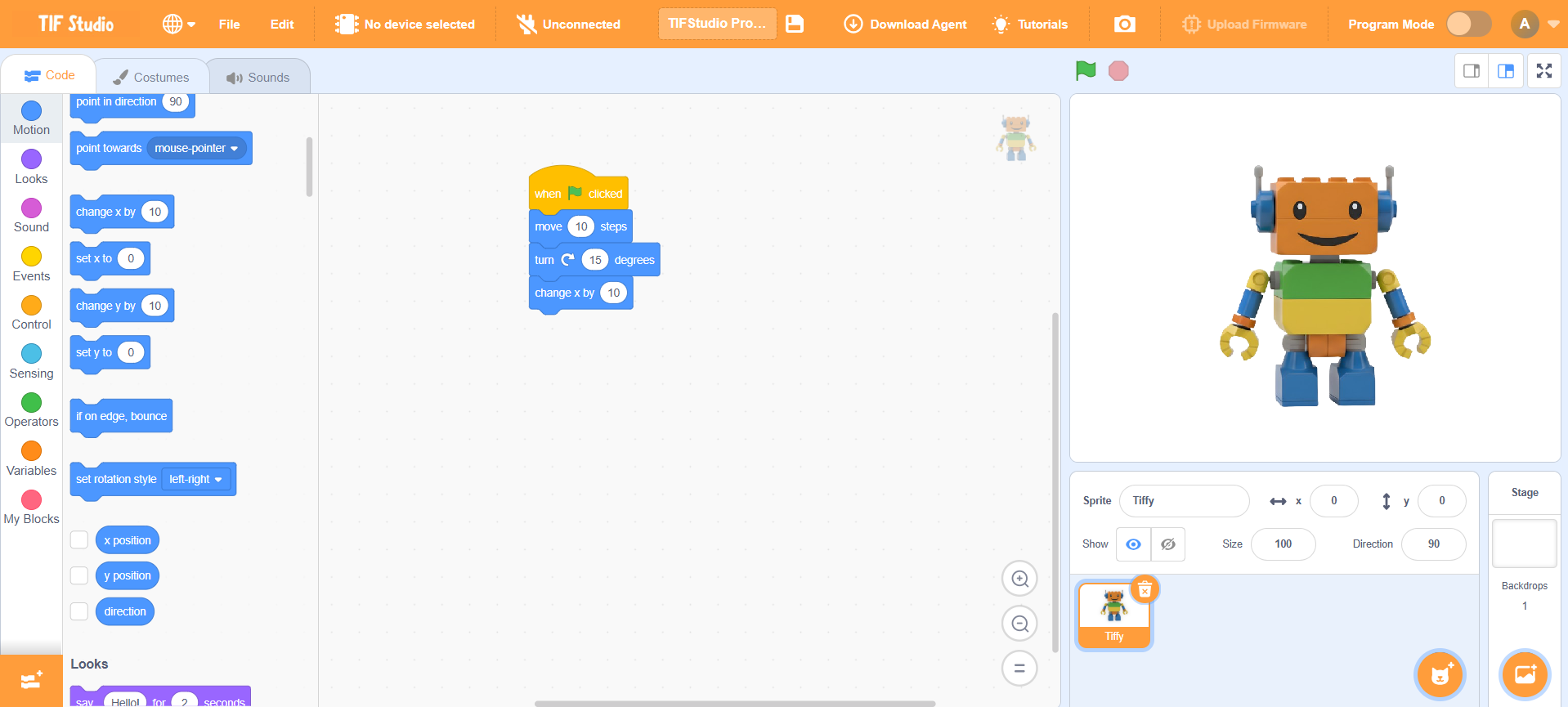
At the heart of TIF Studio is a colorful block editor designed specifically for young learners. Instead of typing complex code, children drag blocks and connect them like puzzle pieces.

Each block represents a real programming concept, helping students understand how coding works, not just what it does.

  • No syntax errors or frustration
  • Perfect for beginners from Grade 3
  • Learn sequencing and flow naturally
  • Immediate visual feedback
TIF Studio Block Editor
Creative Learning

Build Animations, Stories & Games

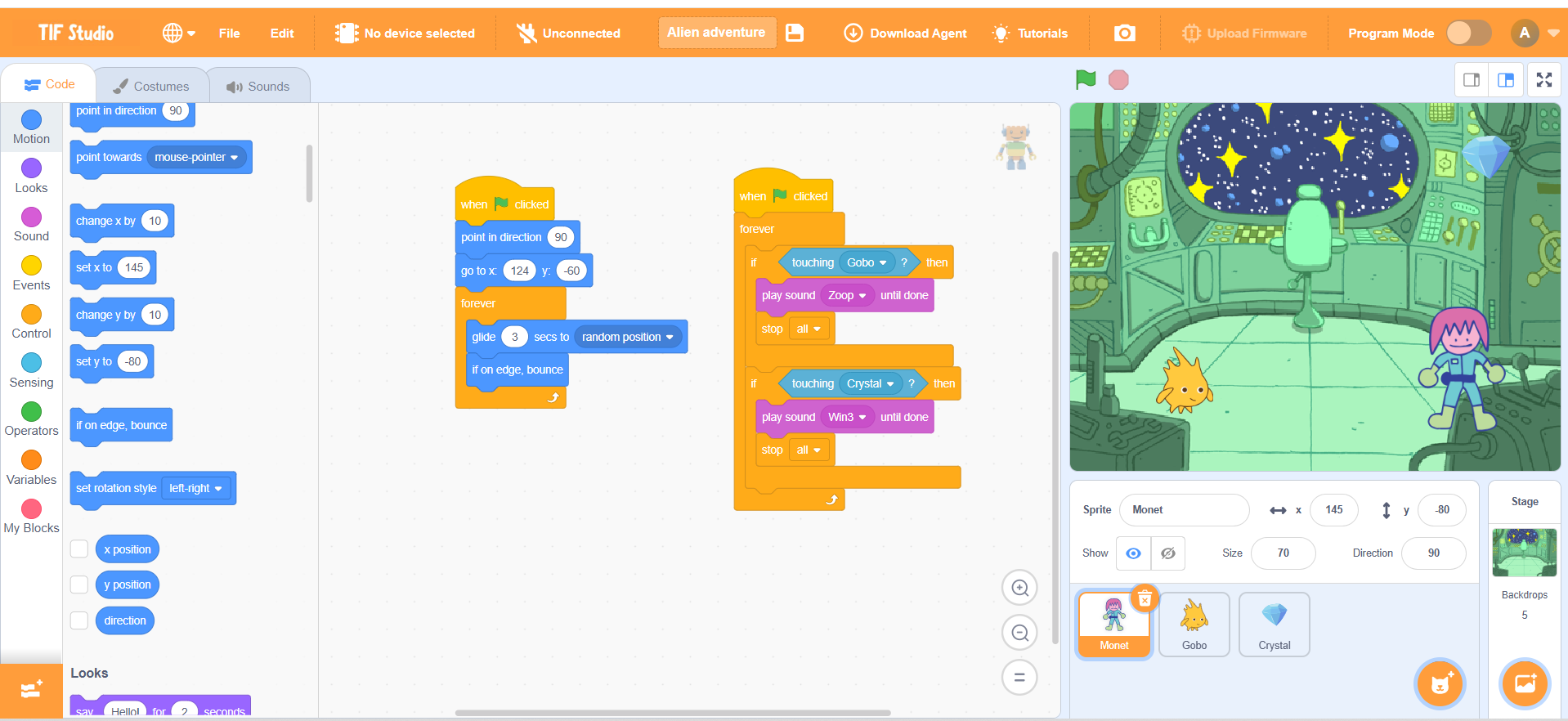
Children bring characters to life by controlling movement, sound, and actions using blocks. Learning feels like play, but every action teaches a logical concept.

From simple animations to interactive games, students learn cause and effect — “If I do this, what happens next?”

  • Create Scratch-style animations
  • Design interactive games
  • Use events, controls, and actions
  • Boost creativity and confidence
Game Creation
Logic Building

Understand How Programs Think

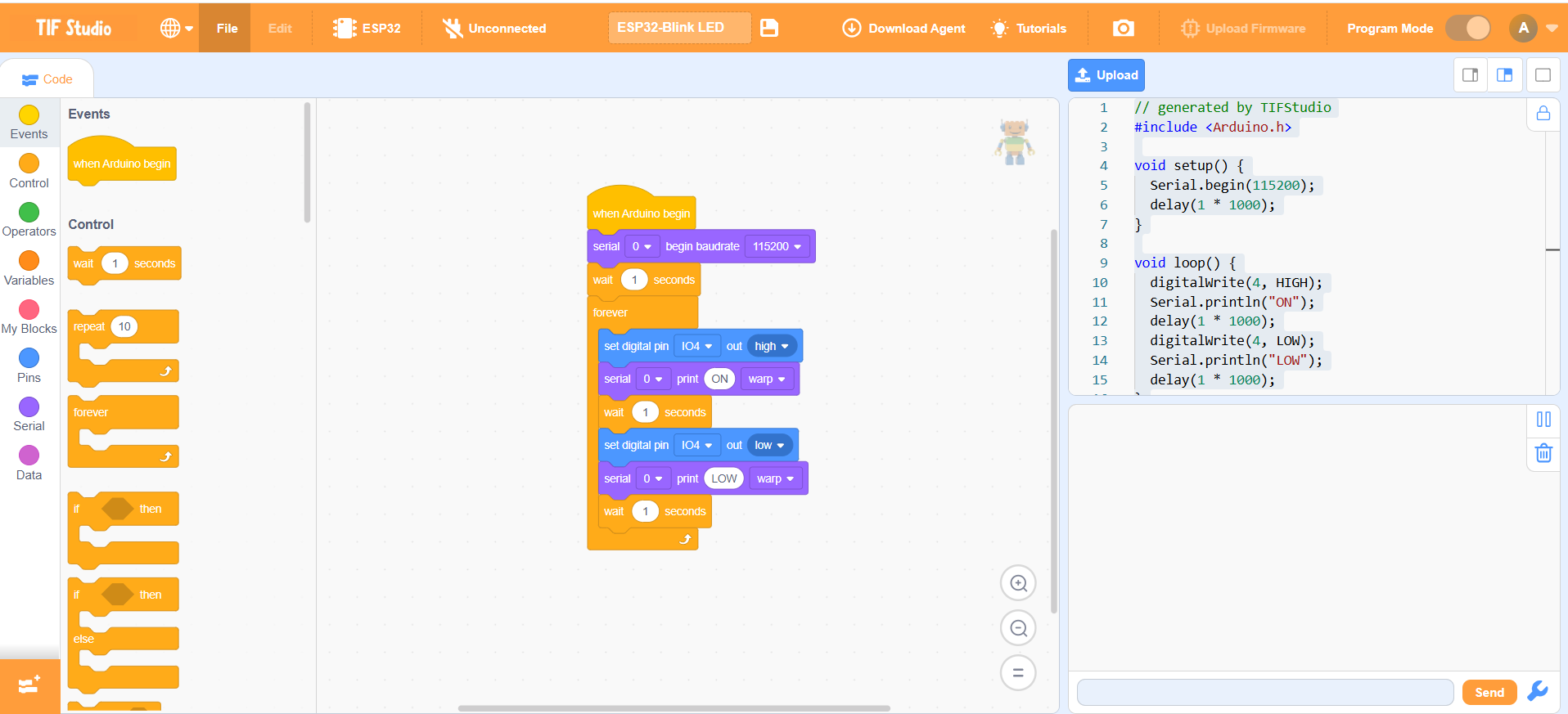
As students progress, they start using logic blocks like loops, conditions, and events. These blocks teach children how programs make decisions.

This stage is where children truly start to think like programmers.

  • If–else decision making
  • Repeat actions using loops
  • Break problems into steps
  • Develop problem-solving skills
Logic Blocks
Learning Journey

From Simple Blocks to Strong Foundations

TIF Studio is designed as a guided journey. Children start with very simple tasks and gradually move to more complex projects as their confidence grows.

By the time students move to text-based coding later, they already understand the logic behind programming.

  • Grade-wise progression
  • Build confidence step by step
  • Strong foundation for real coding
  • Future-ready mindset
Learning Progression

Hardware Boards Supported

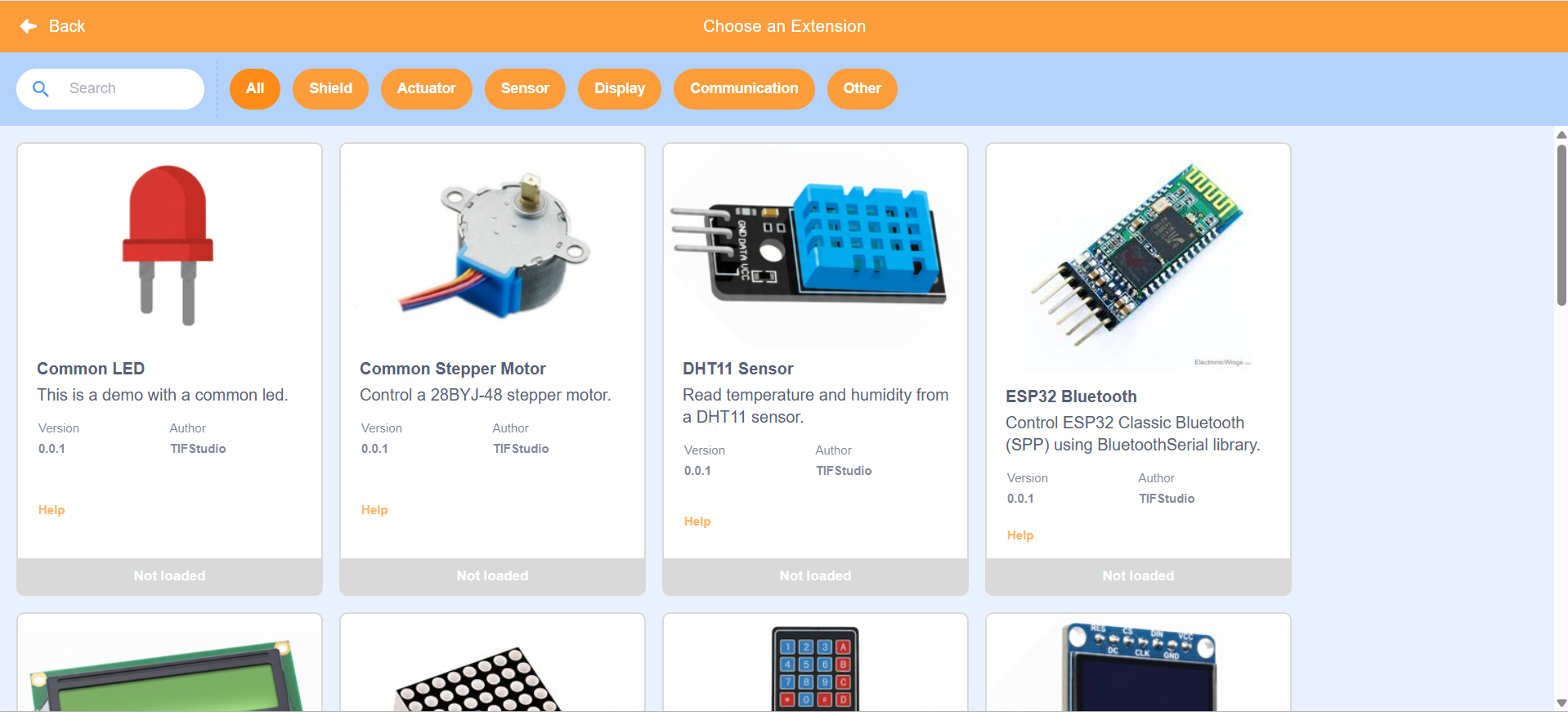
TIF Studio bridges the gap between coding on screen and real-world electronics. Students can connect their programs to physical boards and control LEDs, sensors, motors, and wireless devices.

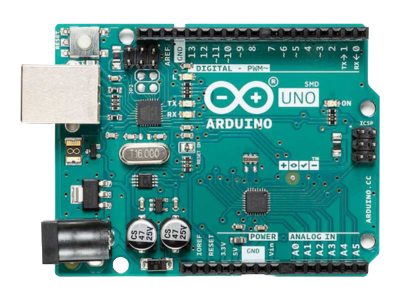
Arduino Uno Board

Arduino Uno

A beginner-friendly microcontroller board widely used in education. Ideal for learning electronics, sensors, LEDs, and basic robotics using drag-and-drop programming.

  • Perfect for beginners
  • Hands-on STEM learning
  • Large global community
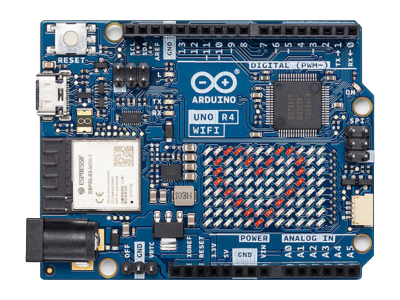
Arduino Uno R4 WiFi Board

Arduino Uno R4 WiFi

An advanced Arduino board with built-in WiFi capabilities. Students can build smart, connected IoT projects and control devices wirelessly.

  • Built-in WiFi
  • Smart & IoT projects
  • Next-level learning
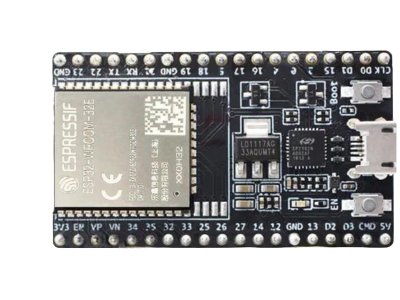
ESP32 Board

ESP32

A powerful microcontroller with WiFi and Bluetooth support. Ideal for advanced students exploring automation, dashboards, and real-world IoT systems.

  • WiFi + Bluetooth
  • Industry-relevant skills
  • Advanced IoT learning
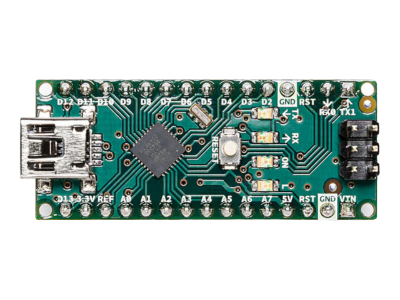
Arduino Nano Board

Arduino Nano

A compact microcontroller board suitable for small and embedded projects. Great for understanding how real electronic devices work internally.

  • Small & compact
  • Mini project friendly
  • Embedded system basics

How Learning Works

1
Start Simple
2
Build Games
3
Understand Logic
4
Create Confidently

What Parents & Teachers Say

“My child now understands logic clearly.”
“Best platform to start coding in schools.”
“Coding became my favorite subject!”
“My child now understands logic clearly.”

Frequently Asked Questions

Everything parents and schools want to know

👦 What age group is TIF Studio for? +
TIF Studio is designed for students starting from Grade 3. Children do not need any prior coding experience.
📚 What will my child actually learn? +
Children learn logical thinking, sequencing, loops, conditions, and problem-solving through games and animations.
🏫 Can schools use TIF Studio? +
Yes. TIF Studio fits perfectly into coding classes, STEM labs, and school curriculum programs.
⏱ Is screen time productive here? +
Absolutely. Screen time is spent creating, thinking, and solving problems — not passive watching.

Ready to Start Your Journey?

Join thousands of young creators building the future with TIF Studio.

Start Coding Now